
Lucky Vibe Casino App
Claim your A$5,000 welcome package plus 300 free spins on mobile today.
Top Lucky Vibe Casino Games





All Games




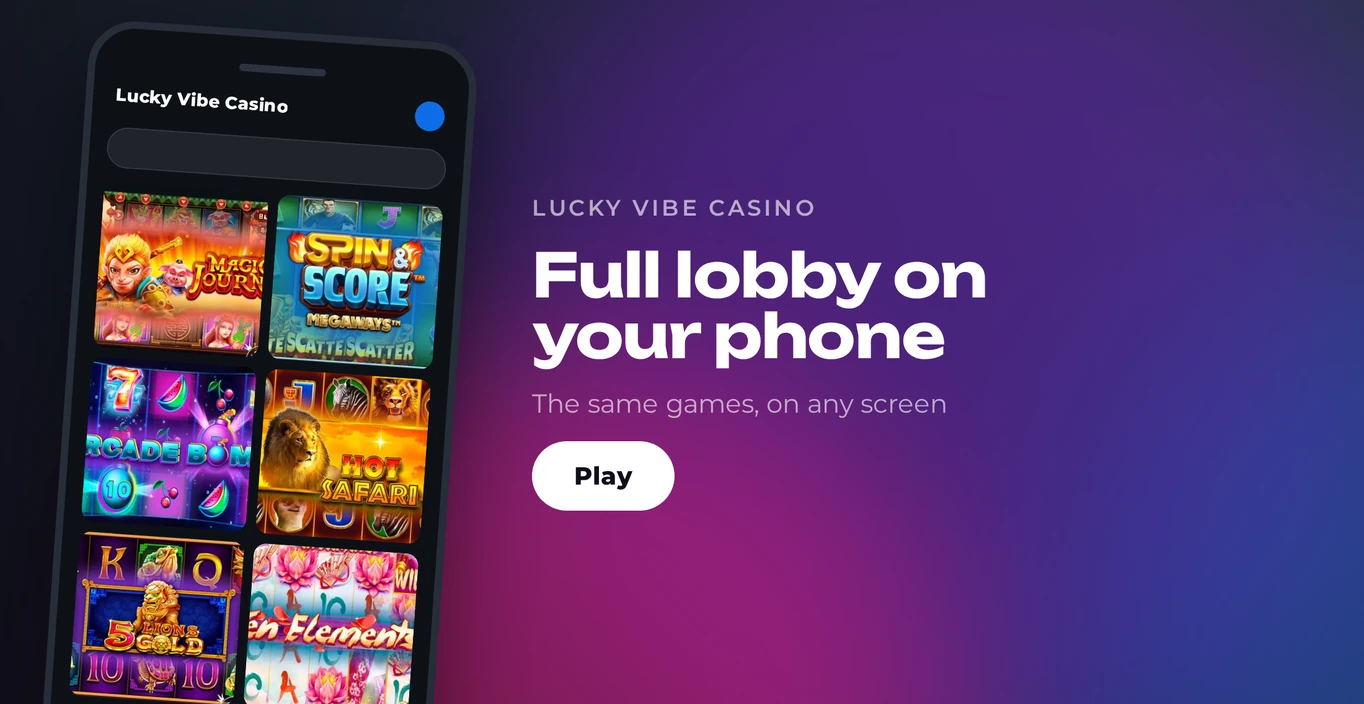
There is no native iOS or Android app for Lucky Vibe Casino. Everything sits in your phone browser on the responsive mobile site: slots, live dealer tables, bonuses and banking. A home screen shortcut keeps it one tap away. New players get a welcome package across four deposits worth A$5,000 + 300 free spins.
Welcome Bonus on Mobile
Maximum Bonus: A$1,000
Free Spins: 100
Maximum Bonus: A$1,000
Free Spins: 50
Maximum Bonus: A$1,500
Free Spins: 50
Maximum Bonus: A$1,500
Free Spins: 100
You claim the welcome package on the mobile site using the same account as on desktop. Across four deposits it spreads A$5,000 in matched funds plus 300 free spins, and the first deposit bonus comes with 40x wagering.
Alongside the package, weekly promotions run: Tuesday Reload, Thursday Boost and Friday Fortune. All three are advertised on the Australian homepage.
How to Play on Android
No native Android app exists for Lucky Vibe Casino, so there is no store listing or APK to handle. The site loads in your mobile browser, and a home screen shortcut gives you an app-style icon.
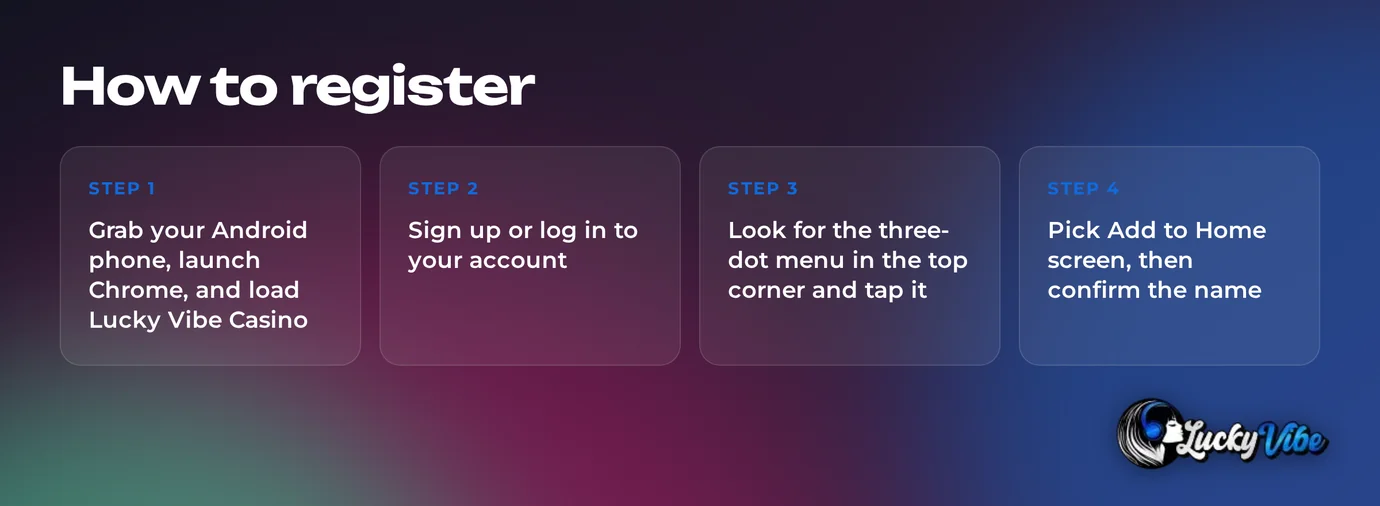
Grab your Android phone, launch Chrome, and load Lucky Vibe Casino.
Sign up or log in to your account.
Look for the three-dot menu in the top corner and tap it.
Pick Add to Home screen, then confirm the name.
One touch on the new icon opens the casino.
The shortcut behaves like a bookmark, so it uses no app storage and never needs updating.
How to Play on iOS
There is no native app for iPhone or iPad from Lucky Vibe Casino, so the App Store offers nothing here. Safari is where you play, and you pin the site to your home screen in the same way.
On your iPhone or iPad, launch Safari and load Lucky Vibe Casino.
Sign up or log in to your account.
At the bottom of the screen, tap the Share icon.
Scroll down, then tap Add to Home Screen.
Tap Add, then open the new icon whenever you feel like playing.
System Requirements
Because the mobile site runs inside your browser, the requirements are short. No app file exists, so there is no app size and no storage reserved for an install.
| Requirement | Detail |
|---|---|
| Installation | None - the site loads in the browser |
| Browser | Chrome on Android, Safari on iOS |
| Connection | Internet connection during play |
| Screen | Responsive layout that fits phone screens |
| Updates | Applied on the casino side, nothing for you to update |
App Features
The same account tools you get on desktop are on the mobile site. Switching languages, managing your balance and reaching support all happen without leaving the browser.
| Feature | Mobile Site |
|---|---|
| Languages | English, German, Italian, French, Norwegian, Arabic |
| Account currencies | USD, EUR, CAD, AUD, NOK, NZD, ZAR |
| Live chat | 24/7, chatbot first, then a human agent |
| Other support | Email and online contact form |
| Account limits | Deposit, loss, wager and session limits |
| Verification | Document upload through the Documents tab |
There is no biometric login and no push notifications on mobile, so each session starts with your account details. A live connection is required for games and live tables, which rules out offline play.
Mobile Games
20 providers supply the mobile site, including:
- Pragmatic Play
- NetEnt
- Play'n GO
- Hacksaw Gaming
- Nolimit City
- Big Time Gaming
- Yggdrasil Gaming
- Push Gaming
Games launch in the browser, with no extra files to download.
Slots Section
Slots make up the biggest part of the catalogue, across a variety of game styles:
- Classic slots
- Video slots with bonus features
- Jackpot titles
Pragmatic Play, Nolimit City and Hacksaw Gaming are among the featured providers.
Live Casino
Live tables come from Evolution Gaming and Ezugi and stream to your phone in the browser.
| Live Category | Available |
|---|---|
| Blackjack | Yes |
| Roulette | Yes |
| Baccarat | Yes |
| Game shows | Yes |
| Poker | Yes |
Popular Games
- Gates of Olympus (Pragmatic Play)
- Sugar Rush (Pragmatic Play)
- Sweet Bonanza (Pragmatic Play)
- Starlight Princess (Pragmatic Play)
- Bigger Bass Bonanza (Pragmatic Play)
- Wanted Dead or a Wild (Hacksaw Gaming)
- Book of Shadows (Nolimit City)








Mobile Deposits and Withdrawals
The cashier loads in the same browser session as your games. Funding your account is possible in AUD, which is one of seven account currencies.
| Option | Deposit Time | Withdrawals |
|---|---|---|
| Visa | Yes | — |
| Mastercard | Yes | — |
| Skrill | Yes | Minimum A$20 |
| Neteller | Yes | Minimum A$20 |
| PaysafeCard | Yes | — |
| MiFinity | Yes | — |
| Bank Transfer | Yes | Pending up to 72 hours after verification |
| Bitcoin (BTC) | Yes | Pending up to 72 hours after verification |
| Ethereum (ETH) | Yes | Pending up to 72 hours after verification |
| Litecoin (LTC) | Yes | — |
Withdrawal Methods
Withdrawals at Lucky Vibe Casino are capped at A$3,000 per day, A$7,500 per week and A$30,000 per month. Each month the cap resets on day one. Before your first withdrawal, verification takes place. From your phone, upload identity documents via the Documents tab in your profile, and the check takes 24-72 hours.
App vs Mobile Browser
With no native app from the casino, you pick either a plain browser tab or a home screen shortcut. Both lead to the same site, cashier and game library.
| Aspect | Home Screen Shortcut | Browser Tab |
|---|---|---|
| Installation | None | None |
| Storage use | No app storage | No app storage |
| Launch | One tap from the icon | Open the browser, then the site |
| Push notifications | No | No |
| Biometric login | No | No |
| Offline use | Needs a connection | Needs a connection |
| Cashier and KYC | Full access | Full access |
A browser tab suits a shared or borrowed phone, since nothing is left on the home screen. The shortcut is faster, as one tap saves typing or searching for the site.
Responsible Gambling
Control tools sit inside your profile at Lucky Vibe Casino, so you can set limits from your phone. Australian players can get free, confidential support from Gambling Help Online on 1800 858 858 and at gamblinghelponline.org.au.
Responsible Gambling Tools
- Deposit limits
- Loss limits
- Wager limits
- Session limits
- Any limit increase only takes effect after a 24-hour wait
- Cooling-off period
- Self-exclusion lasting 6, 9 or 12 months
FAQ
Only players aged 18 and over may join Lucky Vibe Casino. Stake only money you can afford to lose, and reach for the limit tools whenever you need a break.